
Cancel where you bought it: manage the subscription on xAI/grok.com, the Apple App Store, Google Play, or X. Refunds are never automatic and depend on the seller, your region, and how soon you ask.
Cancel SuperGrok on the same surface where you bought it, because that is the only place the subscription can be stopped. If you subscribed on grok.com or the xAI site, you cancel in your account billing settings. If you subscribed through the Apple App Store, Google Play, or X Premium, you cancel inside that platform instead. A refund is a separate question from cancellation, and it is never automatic: whether you get money back depends on the seller, your region, and how quickly you ask.
This guide walks through each billing surface, the yearly-billing trap for SuperGrok Heavy, what to record before you click cancel, and how to think about refund rights without relying on promises that no static page can honestly make. For the plan landscape itself, see our SuperGrok plans and pricing guide, and for a plain explainer of the product, see what is SuperGrok.
First, find out who you actually pay
The single most important step is identifying the seller. People often assume they pay xAI directly, then cannot find a cancel button because the charge actually runs through Apple, Google, or X. Each of those is a distinct billing relationship with its own cancellation path and its own refund policy.
There are four common purchase surfaces for Grok access:
- xAI direct, through grok.com or the xAI website, billed to your card or another method on file with xAI.
- Apple App Store, when you subscribed inside the Grok iOS app on an iPhone or iPad. Apple is the merchant of record.
- Google Play, when you subscribed inside the Grok Android app. Google is the merchant of record.
- X, when your Grok access came bundled with X Premium or X Premium Plus. That is an X subscription, not a standalone SuperGrok one.
If you are not sure which applies, look at your card or bank statement. The descriptor on the charge tells you who processed the payment. A line that reads like an Apple or Google billing entry means the subscription lives in that store, not in your xAI account. Knowing the seller decides everything that follows, so resolve this before you try to cancel anything.
Cancel a SuperGrok subscription bought on xAI or grok.com
If you subscribed directly with xAI, the controls live in your account. Sign in at grok.com or the xAI site with the same login you used to buy the plan, then open your account or billing settings. Look for the active subscription, which will be named SuperGrok or SuperGrok Heavy, and choose the option to cancel or to turn off renewal.
A few things to expect on a direct subscription:
- Cancelling generally stops the next charge rather than clawing back the current period. You normally keep paid features until the paid period ends.
- The account should show a clear end date once you cancel. Note that date so you know exactly when standard limits return.
- If you only see an option to downgrade rather than cancel, downgrading to the free Personal Workspace tier still ends paid billing, but read the wording so you understand what you are switching to.
After you cancel, confirm the change in writing. A confirmation email or an updated account status is your proof that renewal is off. If neither appears, treat the cancellation as incomplete and check again, because a half-finished cancellation is the most common reason people get charged one more time.
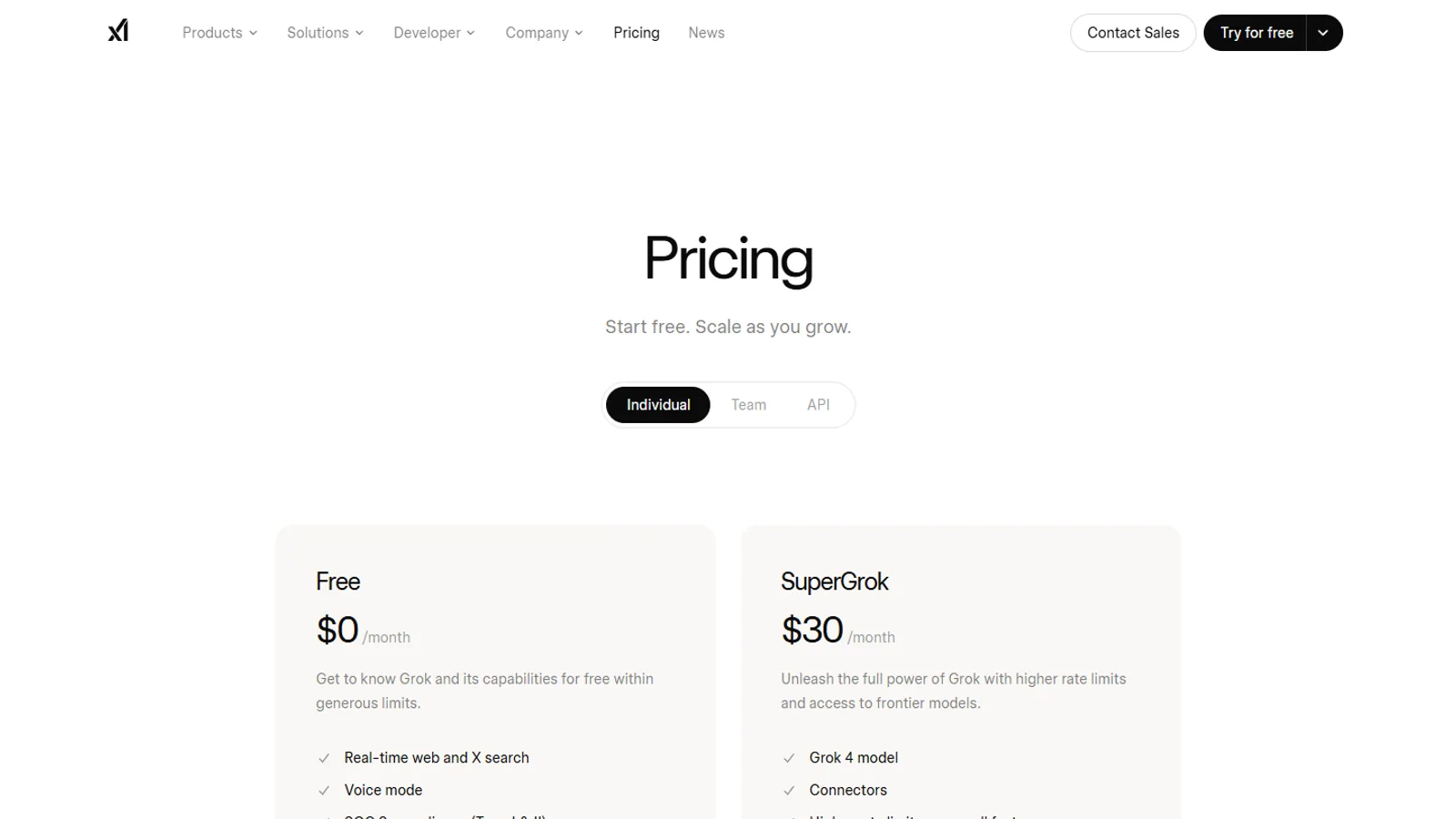
For pricing context while you decide, the only official consumer dollar figure xAI publishes is the 5 dollar minimum for buying Extra Usage Credits. Every other plan price should be read live on the pricing page rather than trusted from any third-party table.
Cancel SuperGrok bought through the Apple App Store
If you subscribed inside the Grok app on an iPhone or iPad, Apple holds the subscription and you cannot cancel it from the xAI website. You manage it in Apple's own settings instead.
On an iPhone or iPad, open Settings, tap your name at the top, then tap Subscriptions. Find Grok or SuperGrok in the list, open it, and choose Cancel Subscription. You can reach the same screen from the App Store by tapping your profile icon and opening the subscriptions section. Once cancelled, Apple shows the date your access remains active through, and you keep paid features until then.
Apple refunds are handled by Apple, not xAI. If you want money back on an App Store charge, you request it through Apple's report-a-problem flow, and Apple applies its own policy and regional rules. The xAI team cannot reverse an Apple charge for you, so going to xAI support for an App Store refund will only send you back to Apple.
One quirk worth knowing: if you bought through Apple but later see SuperGrok features still active after you think you cancelled, double-check that you cancelled in the Apple subscriptions screen and not just inside the Grok app interface. Hiding or signing out of an app does not stop an Apple subscription.
Cancel SuperGrok bought through Google Play
The Android path mirrors the Apple one. If you subscribed in the Grok Android app, Google Play is the seller and you cancel inside the Play Store.
Open the Google Play Store app, tap your profile icon, then open Payments and subscriptions, then Subscriptions. Select Grok or SuperGrok, then choose Cancel subscription and follow the prompts. As with Apple, cancelling stops the renewal while leaving your paid access in place until the end of the current period, and Google shows that end date.
Refunds on a Google Play purchase follow Google's policy and your local consumer rules. Google Play has historically offered a short self-service refund window for recent purchases, after which requests are reviewed case by case. Because those windows and rules shift and vary by country, treat any specific number you read elsewhere as a third-party estimate and confirm the current policy inside Google Play before you count on it. Again, xAI cannot refund a Google charge, so route refund requests to Google.
Cancel Grok access that came with X Premium
If your Grok access arrived as part of X Premium or X Premium Plus, you do not have a separate SuperGrok subscription to cancel. You have an X subscription, and cancelling it removes the Grok access that came with it. Our Grok on X data and privacy guide covers how that integration works day to day.
Manage this in your X subscription settings. On the web, open your X settings, find the Premium or subscription section, and choose to cancel. If you subscribed to X Premium through Apple or Google rather than on the X website, then the same store rule applies: cancel in the App Store or Google Play, not on x.com. The merchant of record is whoever processed the original X Premium payment.
Be deliberate here, because cancelling X Premium also removes the other Premium features you may rely on, not only Grok. If you want to keep Grok but drop X Premium, or the reverse, map out which subscription gives you what before you cancel, so you do not lose a feature you meant to keep.
The yearly-billing gotcha for SuperGrok Heavy
SuperGrok Heavy is the top consumer tier, and it can bill on a yearly cycle. That annual option is where most refund disappointment comes from, so it deserves its own attention.
When you choose yearly billing, you prepay for twelve months up front. The trade is usually a lower effective rate in exchange for a year-long commitment. The catch is what happens when you cancel partway through:
- Cancelling a yearly plan stops the next yearly renewal. It does not, by default, slice the remaining months into a partial refund.
- You typically keep Heavy access until the end of the year you already paid for, then drop to a lower tier or to free.
- If you cancel one month into an annual term expecting eleven months back, you may be disappointed unless a specific refund right applies in your situation.
Before you commit to annual billing, find the renewal date and the refund terms and read them deliberately. If you are unsure whether your usage justifies a full year, a monthly cycle keeps your exit cheap even though the headline rate looks higher. The flexibility to cancel after any single month is often worth more than the annual discount for users who are still testing whether Heavy fits their workload.
What to record before you cancel
Cancelling is easy to get wrong in a way you only notice on the next statement. A short record protects you if you later need to dispute a charge or prove what you did.
Before you click cancel, capture the following:
- The seller, confirmed from your statement descriptor: xAI, Apple, Google, or X.
- The exact plan name, SuperGrok or SuperGrok Heavy, and whether it bills monthly or yearly.
- The renewal date shown in your account, so you know the next charge you are stopping.
- A screenshot of the subscription screen before and after you cancel.
- The cancellation confirmation, whether that is an email, a changed status, or an end date displayed in the account.
Keep these together. If a charge still lands after you cancelled, this evidence is what you send to the seller's support, and it is what your bank will ask for if you ever escalate a disputed charge. Without it, you are arguing from memory against a billing system, which rarely goes your way.
How refund reality actually works
Cancellation and refund are two different actions. Cancelling stops future charges. A refund reverses a charge you already paid, and that is the part no one can promise you in advance. Three factors decide whether a refund is even possible.
The seller. Your refund rights come from whoever took your money. An xAI refund follows xAI policy, an Apple charge follows Apple's, a Google charge follows Google's, and an X Premium charge follows X's. You must ask the right party. Asking xAI to undo an Apple charge wastes time you may not have if a refund window is closing.
Your region. Consumer law differs by country and sometimes by state. Some regions grant a cooling-off right on certain online purchases, and some narrow or remove that right once you have started using a digital service. The same cancellation can produce a refund in one country and nothing in another. Local rules override any general statement on this page.
Timing. Refund windows are usually short and measured from the date of the charge, not the date you stopped using the product. Cancelling early in a billing period does not, on its own, entitle you to a prorated refund unless the seller or your local law provides one. The sooner you ask after a charge, the better your odds.
Put plainly: cancel as soon as you decide to stop, keep your evidence, ask the correct seller quickly, and treat any refund as possible rather than expected. If you read a specific refund figure or window anywhere online, treat it as a third-party estimate and confirm it against the seller's live policy, because these terms change and vary by market.
A clean exit checklist
To leave SuperGrok cleanly without a surprise charge, run through this in order:
- Identify the seller from your statement: xAI, Apple, Google, or X.
- Cancel on that exact surface, not on a different one.
- Confirm the end date shown after cancelling, and screenshot it.
- Save the cancellation confirmation email or status change.
- If you want a refund, request it from the same seller, quickly, with your evidence attached.
- Watch the next statement to confirm no further charge appears.
If a charge still lands after you completed these steps, reply to your cancellation confirmation with your screenshots and ask the seller to correct it. If the seller does not resolve it, your card issuer can review a disputed charge using the same evidence. The whole reason to record everything up front is so that final step is short rather than a stressful reconstruction.
For a wider view of where SuperGrok sits against other assistants before you decide whether to leave, see our Grok versus ChatGPT, Claude, and Gemini comparison, and for the creative tools you would also lose on cancellation, see the Grok Imagine image and video guide.
Questions readers ask
Where do I cancel SuperGrok?
Cancel on the same surface where you bought it. A purchase made on grok.com or the xAI site is managed in your account billing settings. A purchase made through the Apple App Store is managed in iPhone or iPad subscription settings. A Google Play purchase is managed in the Play Store. Grok access bought as part of X Premium is managed in your X subscription settings.
Will I get a refund when I cancel SuperGrok?
Not automatically. Cancelling stops the next renewal but does not by itself reverse a charge you already paid. Whether you can get money back depends on the seller, your country, and how soon you ask. Verify the live terms at x.ai before you assume anything.
Does cancelling end my access immediately?
Usually no. On most subscription surfaces, cancelling stops auto-renewal but lets you keep paid features until the end of the period you already paid for. Confirm the end date shown in your account so you know exactly when access stops.
What about the yearly SuperGrok Heavy plan?
SuperGrok Heavy can bill on a yearly cycle. A yearly plan means you prepaid for twelve months, so cancelling mid-term stops the next yearly renewal but does not split the year into refundable months by default. Read the renewal date and refund terms carefully before you commit to annual billing.
How do I stop being charged if I cannot find the subscription?
Check every surface in turn: xAI account billing, Apple subscriptions, Google Play subscriptions, and X subscriptions. The charge lives wherever you first subscribed. As a last resort, your bank or card statement descriptor tells you which seller processed the payment.
Sources checked
- xAI pricingxAI
- Grok user guidexAI Docs
- About Grok on XX Help