
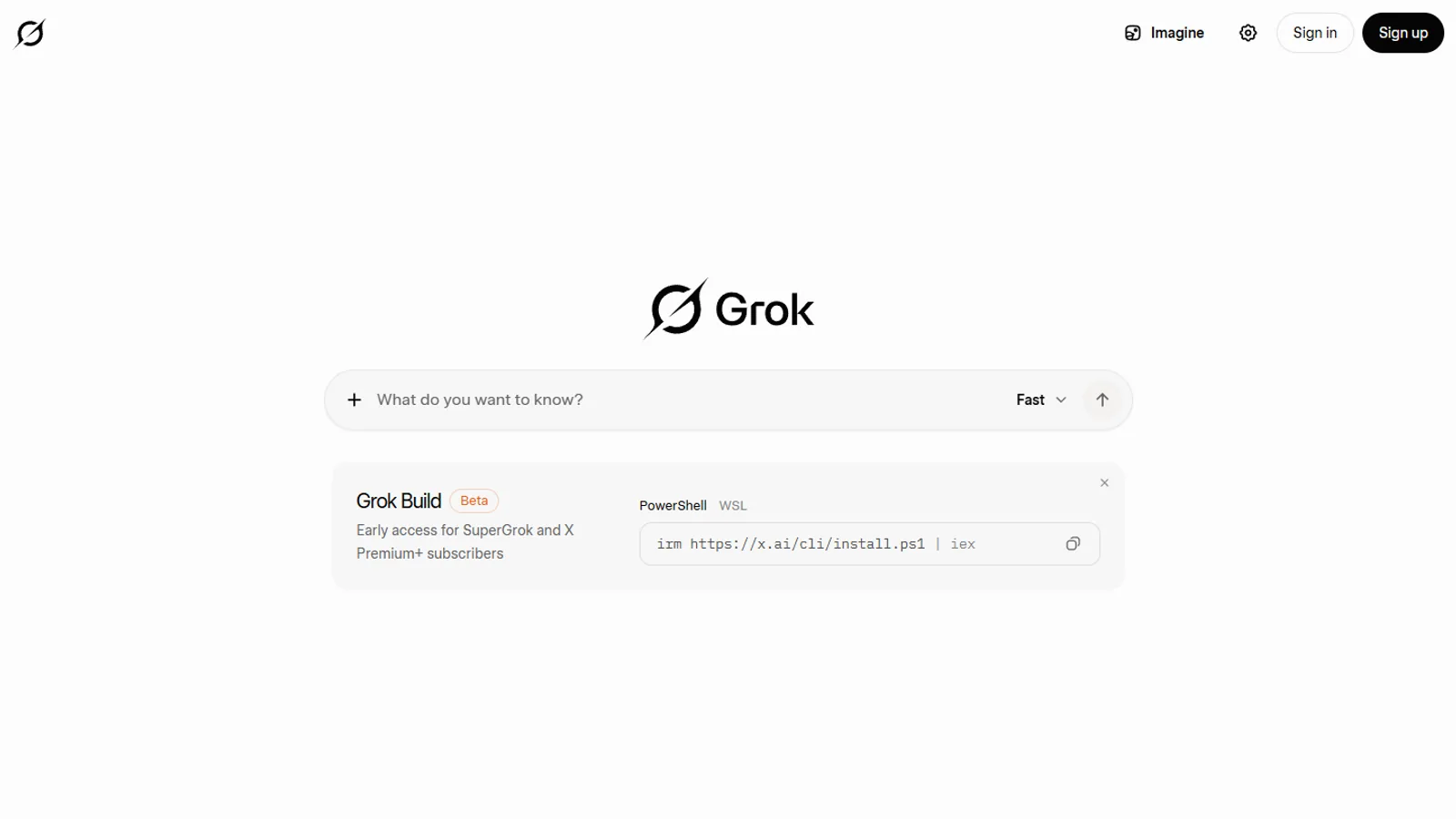
Yes. Grok is free to use through the Personal Workspace tier on grok.com and through Grok inside X, both subject to usage limits that reset on a cycle. Paid plans add a larger weekly allowance you can top up.
Yes, Grok is free to use. There is a free tier called Personal Workspace on grok.com and in the Grok apps, plus free Grok access inside X, and both come with usage limits that reset on a recurring cycle. Paid plans add a larger shared weekly allowance, and when that runs out you can top it up with Extra Usage Credits that start at a 5 dollar minimum.
That is the short answer. The longer answer matters because "free" hides three different things: which surface you use Grok on, what counts against your limit, and how often that limit refills. This guide walks through each so you know what you actually get without paying, where the ceiling sits, and when upgrading is the rational move rather than a reflex.
Yes, Grok has a free tier
The free tier is called Personal Workspace. It is the default experience when you sign in to grok.com or open one of the Grok apps without a paid plan. You can ask questions, hold a conversation, and use core Grok features without entering payment details.
This is the cleanest way to test Grok. You do not need a subscription, an API key, or an X Premium plan to start. You sign in, you prompt, and you get answers until you reach the free allowance for your cycle.
A few things are worth being precise about. Personal Workspace is the official name for the free path in xAI's own plan structure. Some third-party articles call the free tier "SuperGrok Lite," but that is not the official label for the free tier, so do not rely on it. When you compare guides, anchor on the official names and ignore invented ones. If you want the full breakdown of how the tiers stack up, the SuperGrok plans and pricing guide lays out where free sits relative to paid.
The practical takeaway: you can answer the "is Grok free" question with a confident yes, as long as you understand that free means metered access, not infinite access.
Free Grok access on X is a separate path
Grok does not only live on grok.com and the standalone apps. It also runs inside X, the platform formerly known as Twitter. This is a second way to reach Grok, and it follows different rules.
Grok access on X is tied to X Premium and X Premium+. There is some free Grok access on X, but heavier or fuller use generally sits behind a paid X plan rather than the grok.com free tier. The two are related products from the same company, but they are not the same buying path, and an allowance on one does not automatically transfer to the other.
This trips up a lot of readers. People assume that paying for X Premium unlocks Grok without limits everywhere, or that a grok.com free account gives full Grok on X. Neither assumption is safe. If your main interest is Grok inside X specifically, check X Help for the current access rules rather than guessing from a grok.com screen. The official About Grok on X page is the right reference for that surface.
So when you ask "is Grok free," the honest answer is that there are two free entry points, grok.com and X, and each has its own limits and its own fine print.
What the free tier actually limits
Here is the part most guides get wrong. They quote a hard number of free messages or images per day as if it were fixed. It is not. xAI adjusts free caps, and the numbers reported across third-party sources conflict with each other. Stating a specific free cap as a permanent fact is how an article becomes wrong within a week.
What you can say with confidence is the shape of the limit, not the exact figure:
- Free usage is metered. You get an allowance, and prompts draw it down.
- The allowance refills on a cycle rather than lasting forever.
- Heavier features, longer reasoning, and image or video generation tend to consume the allowance faster than short text questions.
- When the allowance is spent, you wait for the reset or move to a paid plan.
If you generate images or video through Grok Imagine on the free tier, expect those to be more limited than plain text chat, and expect output to carry restrictions such as a watermark and resolution caps. The Grok Imagine image and video guide covers how that product behaves across free and paid use, including why resolution can fall back when you hit a cap.
The reliable habit is to open your usage screen on grok.com and read your current allowance there. That screen reflects your account, your region, and the current policy. A blog number does not.
How Grok usage limits reset
Free limits reset on a recurring cycle. When you run out, you do not lose access permanently. You wait for the refill, and your allowance returns.
The detail people want is the exact reset window, daily, weekly, or something else, and that is precisely the detail that changes. Rather than memorize a number that may be stale, build the right mental model:
- You have an allowance tied to your tier.
- Activity spends it.
- It refills on a schedule set by xAI.
- The schedule and size of that allowance can change without a public announcement.
For paid plans the mechanic is more explicit. Paid plans share a weekly usage allowance that you can spend across Grok products. That weekly pool is the headline mechanic of the paid tiers: it is not separated into rigid per-feature buckets so much as one allowance you draw from. When the weekly pool is exhausted, you have two choices, wait for the reset or buy more capacity.
This weekly-pool model is the single most useful thing to understand about Grok limits. It is why two people on the same paid plan can have very different experiences. One runs light text queries and rarely notices the ceiling. The other generates video and runs long research sessions and hits the weekly cap early.
What runs out, and how to top up
When a paid plan's weekly allowance is spent, you can buy Extra Usage Credits. This is the one consumer dollar figure xAI states officially: Extra Usage Credits start at a 5 dollar minimum. That top-up extends your usage without forcing a full plan upgrade.
For the broader plan prices, I am deliberately not quoting figures here. xAI's pricing page returns errors to automated tools, which means consumer dollar prices are not machine-verifiable from outside a normal browser. Any guide that confidently lists Grok subscription prices pulled them from somewhere unverifiable or from a third party. The trustworthy move is to open the live page yourself. Check the current numbers at x.ai/pricing before you decide.
So the top-up ladder looks like this:
- Free tier runs out, you wait for the reset or move to a paid plan.
- Paid weekly pool runs out, you wait for the reset, buy Extra Usage Credits from a 5 dollar minimum, or move to a higher tier.
The credits matter because they decouple a temporary spike from a permanent commitment. If you have one heavy week, you do not need to jump to the top plan. You buy credits, finish the work, and let your normal allowance carry you the rest of the month.
Free versus paid: when to upgrade
Use the free tier as a test, not as a long-term plan you tolerate. The point of the free tier is to learn your own usage pattern before paying for anything.
Stay free if you:
- Ask occasional questions and rarely hit a wall.
- Are still evaluating whether Grok fits your workflow.
- Use Grok for light tasks where waiting for a reset costs you nothing.
Consider paying if you:
- Hit the free ceiling regularly and lose time waiting for resets.
- Run long research sessions or heavy reasoning that drains the allowance fast.
- Generate images or video often and want fewer restrictions.
- Want priority access during busy periods.
The decision is not about prestige. It is about whether the cost of a plan is smaller than the cost of the friction you hit on free. If you upgrade, decide between the standard paid tier and the heavier consumer tier deliberately. The SuperGrok Heavy comparison and the broader plan guide help you avoid overbuying. Heavy should be a response to repeated capacity pressure, not your first paid experiment.
A simple rule: if you find yourself rationing prompts or postponing work until a reset, the math has already tipped toward paying.
What counts against your free allowance
Not every action draws your allowance down at the same rate. Understanding what is cheap and what is expensive helps you stretch the free tier and explains why two people on the same plan run out at different times.
Light text questions are the cheapest. A short prompt with a short answer barely moves the meter. This is why casual users can ask Grok things for days without ever noticing a ceiling.
Heavier actions cost more. Long research prompts, deep reasoning, large context windows full of pasted material, and back-to-back follow-ups in one session all consume more of the allowance than a single quick question. The flagship model handling a million tokens of context is doing far more work than answering "what is the capital of France," and the meter reflects that.
Image and video generation through Grok Imagine sits at the expensive end. Visual generation is compute-heavy, so on a free account you should expect tighter caps on Imagine than on plain chat, plus output restrictions such as a mandatory watermark and resolution that can step down once you hit a cap. If your main interest is generating visuals, the free tier will feel small quickly, and that is the most common reason casual users consider a paid plan.
A useful way to budget your free usage:
- Treat quick factual and conversational prompts as nearly free.
- Treat long documents, heavy reasoning, and multi-step sessions as moderate spend.
- Treat image and video generation as your most expensive activity.
Once you know which bucket your typical task falls into, your free allowance becomes predictable. The person who only chats will rarely run out. The person who generates video daily will hit the wall fast and should price out a paid plan rather than fight the cap.
Why exact free caps must be verified live
The honest weakness of every Grok-limits article, including thorough ones, is that the specific numbers move. xAI does not publish a single fixed public figure for free caps that stays correct over time, and reset windows are adjusted. An article that hard-codes "X free messages per day" is writing a number with a short shelf life.
This is not a reason to distrust the free tier. It is a reason to verify before you rely on a number. Here is the checklist:
- Open grok.com, sign in, and read your current usage allowance on your account screen.
- For Grok on X, check About Grok on X for the access rules tied to X Premium and Premium+.
- For plan prices and the paid weekly allowance, open the live xAI pricing page in a normal browser.
- For the formal definition of the free tier and credits, read the Grok FAQ and user guide.
Treat those four sources as the truth and treat any blog number, including this one, as a description of the shape of the system rather than a fixed figure.
Common questions about free Grok
A few recurring questions are worth answering directly.
Is the free tier permanent or a trial? It is a standing free tier, not a time-limited trial. Personal Workspace is the ongoing free path, metered by allowance rather than expiring after a set number of days.
Does a free account give me everything Grok can do? No. Some features, heavier capacity, and certain Grok Imagine capabilities sit behind paid plans or require a qualifying plan plus age verification. The free tier is a real product, but it is the entry level, not the full surface.
Is Grok free on mobile? Yes, the same free tier applies in the Grok apps when you sign in without a paid plan, subject to the same kind of metered limits as the web.
If I pay, do my free limits disappear? You move from the free allowance to the paid weekly pool, which is larger and toppable with Extra Usage Credits. You are not stacking two allowances; you are switching to the paid mechanic.
For a fuller picture of what Grok is and how the product surfaces relate, read what is SuperGrok. For the buying decision specifically, the plans and pricing guide is the next step. The goal is not to pay for the biggest plan. It is to match what you pay to how you actually use Grok.
Questions readers ask
Is Grok free to use?
Yes. Grok has a free tier called Personal Workspace on grok.com and the Grok apps, and free Grok access also appears inside X. Both carry usage limits that reset on a cycle.
What happens when I hit the free limit?
You wait for your allowance to reset, or you move to a paid plan. Paid plans share a larger weekly usage pool and let you buy Extra Usage Credits, which start at a 5 dollar minimum.
How often do Grok free limits reset?
Free caps reset on a recurring cycle, but the exact numbers and timing change. Check your usage screen on grok.com because xAI does not publish a fixed public number that stays current.
Do I need to pay to use Grok on X?
Grok access on X is tied to X Premium and Premium+. There is limited free Grok access on X, but heavier or full access generally needs a paid X plan. Check X Help for the current rules.
Is the free version of Grok good enough?
For occasional questions, yes. If you hit limits often, want priority access, or need heavier sessions, a paid plan or top-up credits make more sense than fighting the free cap.
Sources checked
- Grok FAQxAI
- Grok user guidexAI
- xAI pricingxAI
- About Grok on XX Help