

News

xAI and Grok updates with a source trail.

News coverage links back to official posts first. Evergreen pages are updated when a change affects subscriptions, data controls, or AI comparisons.

What matters

Model releases only matter when they change a reader decision.

A Grok release can affect plan value, API usage, speed, reasoning, mobile features, or X account settings. The timeline explains which follow-up page to check.

Follow-up path

Read announcements, then verify the product surface.

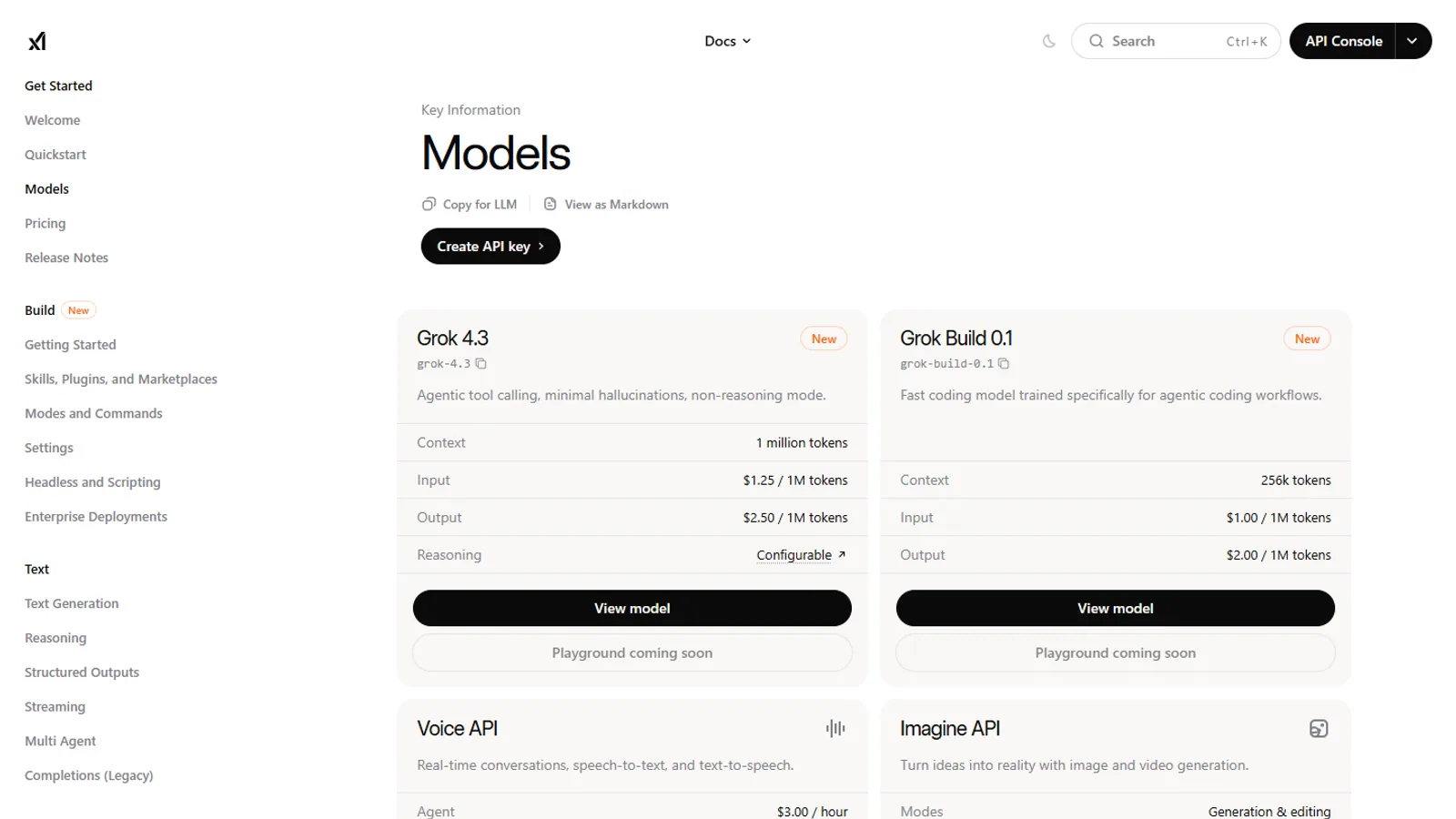
News pages can explain what xAI announced, but pricing pages, X Help, app listings, and developer docs answer different parts of the real decision.

Open model timeline

Latest news context

xAI and Grok updates with practical next steps.

Use news as a starting point, then move into the plan, comparison, or privacy guide linked from the article.

How to read Grok news

Read xAI announcements for the headline, then check the product surface. A release may affect the standalone Grok app, Grok on X, developer docs, business plans, or only a specific rollout. News becomes useful when it leads to the right follow-up page.

What changes matter most

Model names, plan positioning, app features, API availability, X settings, and pricing pages can all change a reader decision. If an announcement does not change any of those, it may be interesting context rather than an urgent action.

How news connects to evergreen pages

When an xAI or Grok update affects a subscription, comparison, privacy setting, or developer decision, the relevant evergreen guide should carry the practical explanation. News gives the date and source trail; guides explain what a reader should check next.

Privacy options